
Automate Student ID Card Issuance With Webhooks and Let Your Systems Do the Work

Here’s what student ID issuance can look like when your campus systems are connected with webhooks.
A student confirms enrollment on Monday afternoon and is added to your Student Information System (SIS). Within minutes, their digital student ID invitation is in their inbox, without anyone in the card office lifting a finger. The student provides an ID photo that evening, and once it’s approved, the same photo is updated in your SIS automatically. By the first day of class, they’re scanning into the library, the dining hall, and the rec center with their ID.
Now multiply that by your whole incoming class. That’s enrollment season with webhooks in the ID123 ID Management System (IDMS). Your campus systems and your student IDs share updates in real time, so every card is ready when the student is.
How Student ID Webhooks Work for Your Campus
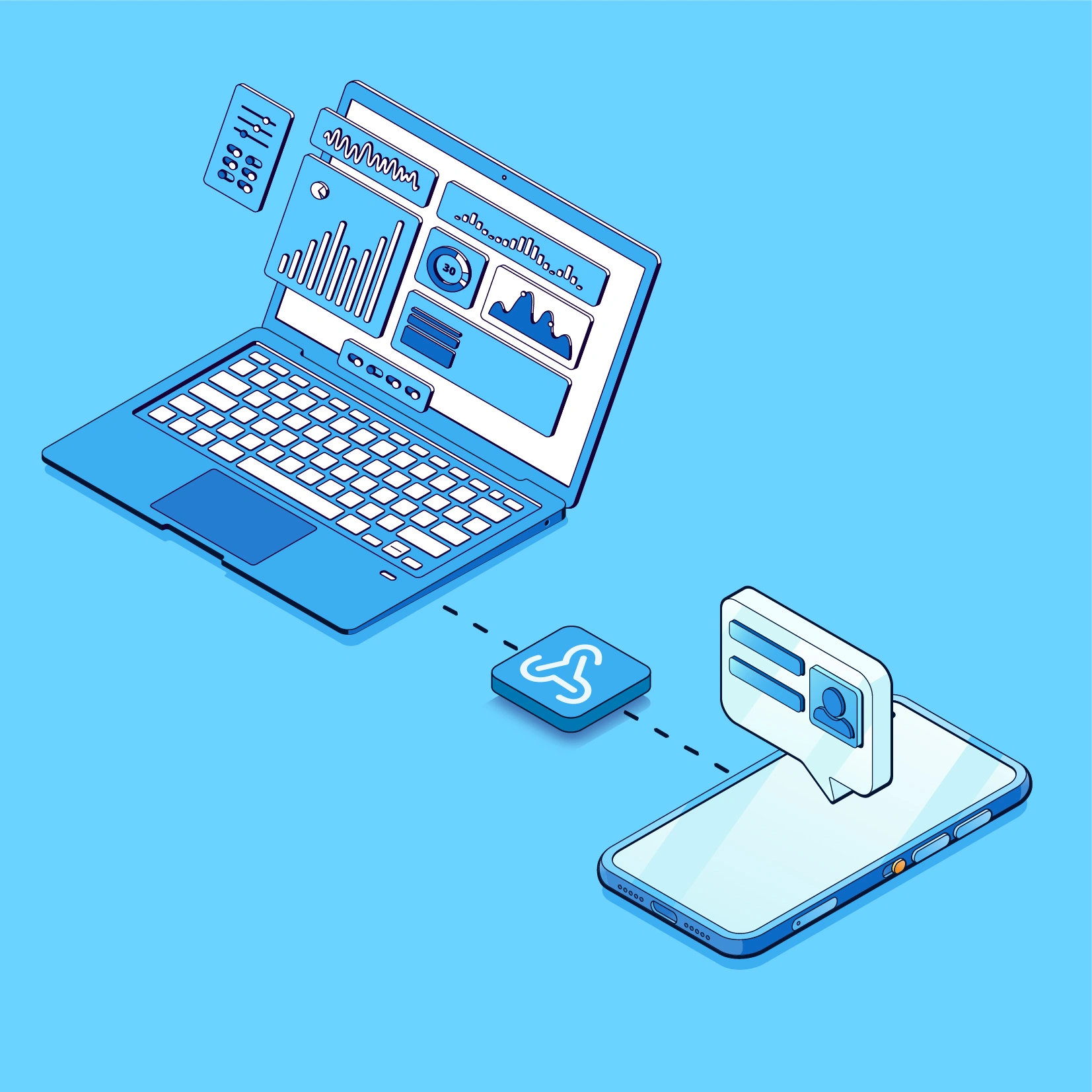
There are two types of webhooks. Trigger webhooks tell your other systems when something happens in the IDMS, like a card being scanned or a photo being approved, so those systems can respond in real time. Action webhooks let your other systems tell the IDMS what to do, like create a card, send a card invitation, or deactivate a card. That means steps your team used to handle manually, by hand, now can happen automatically.
Think of an action webhook as the bridge. Your SIS, ERP, or ticketing tool decides when something should happen. The IDMS then performs the action.
Webhooks cut down the manual work for your card administrators. Your systems talk to each other in real time, making updates and taking action like an extra team member who never sleeps or takes a break.
Automatic Student ID Issuance at Enrollment
When a student enrolls at your school and is added to your SIS, an action webhook can automatically create their card record in the IDMS and place it in the right group: undergraduates, graduate students, faculty, or staff. A second action webhook then sends the student their digital student ID invitation. No list exports, spreadsheet uploads, or batch emails from your team.
A trigger webhook can also let your systems know when a student has not accepted their invitation and set up their card yet, so a friendly reminder can go out automatically to anyone who hasn’t, well before the first day of class.
Why it matters for your card office:
- No more manual data entry. Records come straight from your SIS, so your team isn’t re-keying names, ID numbers, or programs, and typos don’t end up printed on a card.
- Peak season stays manageable. Whether 50 or 5,000 students enroll in a week, the workload for your administrators stays the same.
- Fewer “where’s my ID?” requests. Students get their ID as soon as they’re enrolled, so your service desk isn’t fielding emails and walk-ins about missing invitations.
- Nobody falls through the cracks. Late enrollments, transfers, and mid-term admits get their cards the same way as everyone else, without a separate process to remember.
- More time for students. With the routine work automated, your staff can focus on in-person help, special cases, and campus events.
Student ID Photo Management
Students submit their ID photo through the Digital ID Card App, and admins approve or deny it in the IDMS. When a photo is approved, a trigger webhook can automatically send that approved photo to your SIS, so the student’s record is updated without anyone downloading and re-uploading it. If an admin denies a photo, a trigger webhook can fire too. Your other systems can then automatically send the student an email or text explaining what to fix, like a blurry image or a busy background, and flag their record so your team can follow up if a new photo doesn’t come in before the first day of class.
Why it matters: One approved photo, everywhere it’s needed. Your ID card, your SIS, and every system that draws from your SIS show the same current photo, and your team skips the double entry. If a photo is denied, the app lets the student know right away so they can resubmit.
Printed Student ID Cards on Demand
Plenty of digital-first campuses also print cards for students who ask. When a request comes in, your system can use an action webhook to send the student’s card to the print queue.
From there, trigger webhooks can kick off the next step in your other systems as the card’s print status changes. For example, once the card is printed, your external systems can automatically send the student an email or text letting them know their card is ready to pick up at the card office.
Why it matters: Students know exactly when to come by, your team doesn’t have to send pickup notices one at a time, and fewer cards sit uncollected in a drawer.
Student ID Scanning Across Campus
Staff can check digital and physical cards from any browser with the ID Card Scanner. Use it at the library desk, the dining hall, the gym, a guest lecture, or a basketball game.
Each scan can fire a trigger webhook that sets off an event in your other systems. For example, a valid scan at a required orientation session can initiate a trigger webhook to automatically notify your external attendance tool and mark the student as present. This way, checking in at a campus event can log participation in your attendance tool or student engagement platform.
Why it matters: The scan does the follow-up work. No sign-in sheets to collect, no attendance to type up after the event, and your records are complete the moment the student walks in.
From Student ID to Alumni ID Card
When a student withdraws, finishes, or graduates, your SIS can send an action webhook to automatically deactivate, archive, or revoke their card, so student ID card access always matches student status. If a student returns after a leave, another action webhook can reactivate their card just as easily.
Then the relationship continues.
Colleges and alumni associations use ID123 to issue alumni ID cards by email. When a student graduates, action webhooks can create their alumni card record and send the invitation automatically. From there, action webhooks can also send automated in-app messages, like event reminders, a message from the president, or a link to the donations page. Because these messages are sent by webhook, your advancement CRM or email tools can send them automatically on a regular schedule, so donation links, giving pages, and campus news keep reaching alumni all year without anyone on your team sending them one by one.
Why it matters: Graduates move from student ID to alumni ID without a gap, and your alumni team stays connected with them from day one, without another manual list to manage.
Ready to Connect Your Campus?
Start with these guides:
- How to Create a Trigger Webhook in the IDMS
- How to Create an Action Webhook in the IDMS
- Webhook Event Definitions for Actions and Triggers
Want to see how it would work with your SIS and your card office? Schedule a demo and we’ll walk you through it.